
Get in touch
We’re here to help, every day
Whether you’re a single shop or a multi-location chain, our team is here. Set up help, integration questions, account support — we’ve got you.
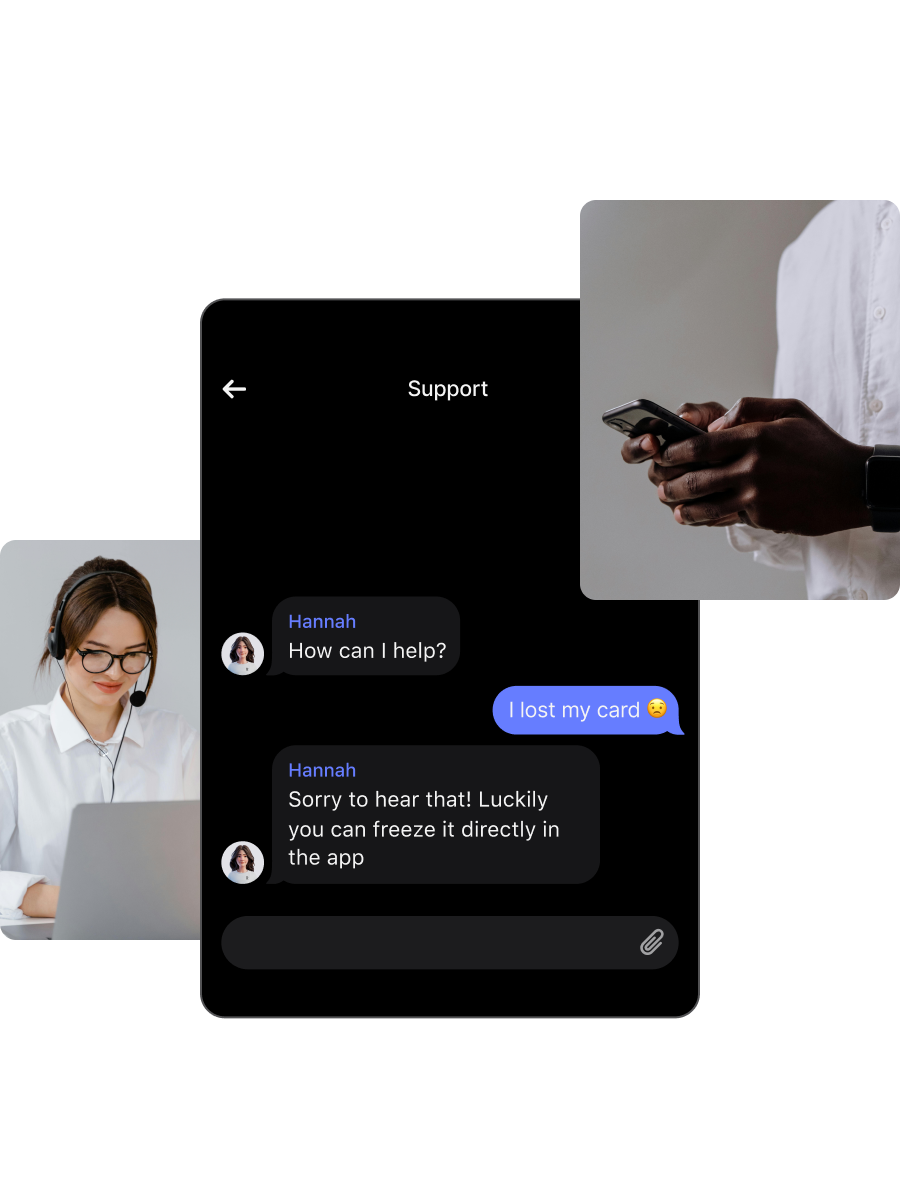
Talk to our team
Speak to a Kyro specialist about your business. Setup, integrations, multi-location rollouts, or upgrading your plan — we’ll walk you through it.
Browse the Help Centre
Find answers to common questions in the Kyro Help Centre. Setup guides, integration walkthroughs, billing, and best practices — all in one place.

Getting started with Kyro
Create your branded wallet pass in minutes. Add your logo, colours, and reward structure, then share it with customers at checkout. We handle the technical setup so you can focus on your business.
Kyro integrates with major POS and booking systems. Our team will walk you through connecting your existing tools so every transaction is automatically tracked and attributed.
Add team members to your Kyro dashboard with role-based access. Managers, staff, and multi-location admins can all see what they need, and nothing they don't.
Your wallet pass is fully customisable, including logo, colours, reward tiers, and notification copy. Make it feel like your brand, not ours. Changes go live instantly across all customer wallets.
Most businesses are live within 24 hours. We build your branded card, connect your systems, and launch. You don't touch a thing.
Account & billing
You can upgrade or change your plan anytime from your Kyro dashboard under Settings → Plan. Changes take effect immediately and billing is prorated.
Adding a new location takes seconds. Go to Settings → Locations → Add Location. Each location gets its own analytics while rolling up into your network-wide dashboard.
Update your payment method and billing details under Settings → Billing. Changes apply to your next billing cycle.
All invoices are available under Settings → Billing → Invoice History. You can download them as PDFs for your records.
Customers & data
Two taps at checkout and your card is in their Apple or Google Wallet. No app to download, no forms to fill. Their visit history starts building automatically.
Yes. You can export your full customer list, visit history, and analytics data at any time from the dashboard. Your data is always yours.
All customer data is encrypted at rest and in transit using enterprise-grade encryption. We comply with GDPR and never sell or share your customer data with third parties.
If you cancel, you'll have 30 days to export your data. After that, all data is permanently and securely deleted from our systems.
Quick access
Need help? Here's what to do
Found something that doesn't look right? Report it directly to our team at support@kyro.com or through the dashboard. We investigate every report and keep you updated on the fix.
We'd love to hear how Kyro is working for your business. Send your story to hello@kyro.com. We feature our favourite customer stories on our site and social channels.
For press inquiries, partnership proposals, or media requests, please reach out to press@kyro.com. Our team is ready to assist with any media-related queries.
For legal notices and official requests, please direct all correspondence to legal@kyro.com. Include relevant case reference numbers and supporting documentation. Our legal team will respond within the required timeframes.
Ready to bring your customers back?
See how Kyro works for your business. We’ll walk you through everything.